
Vauiw guide
Quick Break Browser Games
Short browser games for quick sessions, simple inputs, and easy restart loops.
Vauiw guide
Short browser games for quick sessions, simple inputs, and easy restart loops.
Vauiw is organized around practical browsing choices: category, pace, input style, and whether a game feels better on desktop or mobile.
Tap or mouse-click games are usually better on mobile, while keyboard-heavy racing, platform, and adventure games often feel better on desktop.
When two games look similar, compare the first objective and the type of input they expect. That usually tells you which one fits your break.
The detail page gives a short summary, source link, controls, and related picks before you open the browser player.
A short-session choice should make sense even if you only have five minutes. Look for a visible first goal, a low restart cost, and an input you can understand without a long setup. A game can be excellent and still be a poor quick-break choice if its opening depends on several menus, a long tutorial, or a complicated progression system.
Useful break games usually end a round, level, attempt, or decision clearly. That gives you a natural point to stop without feeling that you abandoned a long process. Score-chasing arcade titles, compact sports rounds, board puzzles, and simple clicker loops often offer clearer stopping points than open-ended simulations.
Choose one category first, then compare only a few cards. Read the goal and device note, open one publisher page, and decide quickly whether the control prompt is clear. This is more useful than opening many games in separate tabs and relying on thumbnails alone.
Editorially updated: July 29, 2026. See our editorial standards and update log for how these guides are maintained.
These picks are supporting examples for the guide. Compare pace and controls before opening a publisher page.

Basketball Stars is a browser basketball game with quick scoring rounds, movement, and shot timing. Try solo or two-player style sessions, compare offensive an...

Welcome to Ayla World: Avatar City, a colorful and creative casual game where imagination has no limits! Build your dream life, create unique characters, and e...

Make cats by clicking. The cat bubbles growth accelerates when you start buying upgrades that increase the number of cat bubbles in production. Eventually, you...
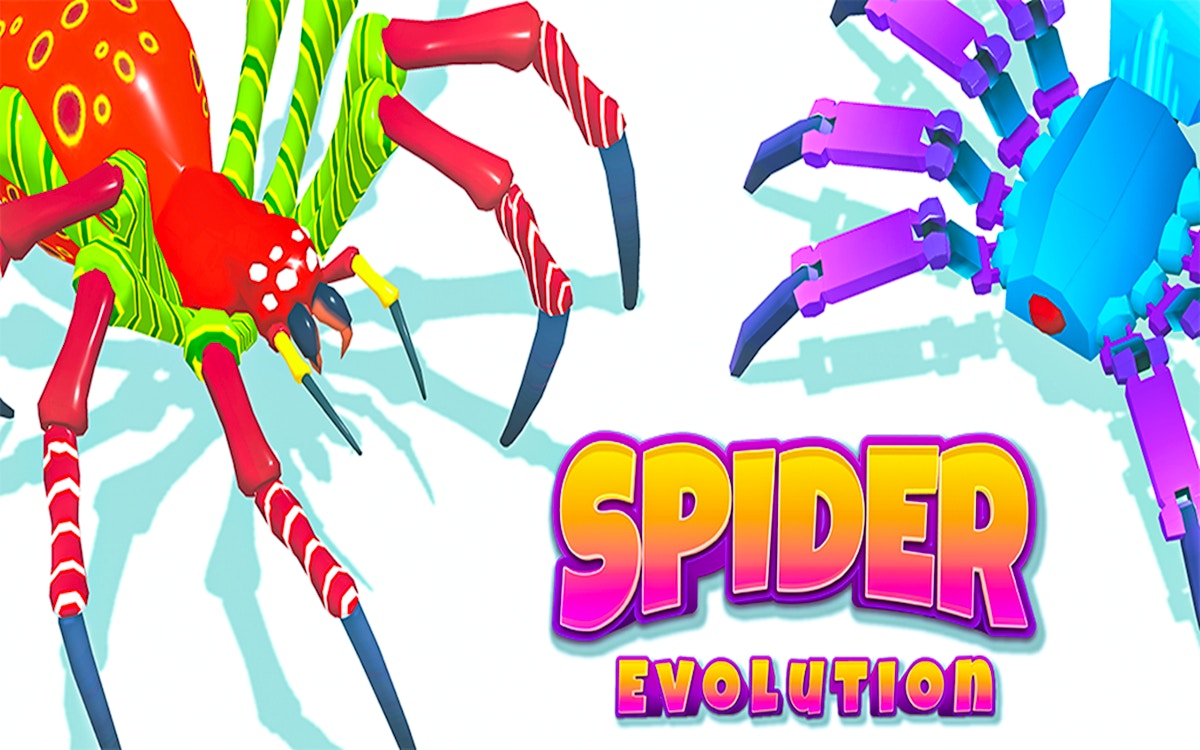
Spider Evolution Runner Game is a path-choice runner about collecting upgrades and avoiding weaker routes. Pick the best lane, grow through each stage, and use...