
Vauiw guide
Puzzle Games Guide
Compare puzzle games by goal, input style, observation, and planning before play.
Vauiw guide
Compare puzzle games by goal, input style, observation, and planning before play.
Vauiw is organized around practical browsing choices: category, pace, input style, and whether a game feels better on desktop or mobile.
Tap or mouse-click games are usually better on mobile, while keyboard-heavy racing, platform, and adventure games often feel better on desktop.
When two games look similar, compare the first objective and the type of input they expect. That usually tells you which one fits your break.
The detail page gives a short summary, source link, controls, and related picks before you open the browser player.
Some puzzles ask you to notice a pattern, color, object, or hidden detail. Others ask you to preserve space, order moves, or choose a route that keeps future options open. Knowing which type you want makes the category more useful: visual-search games suit short focused sessions, while planning puzzles reward a slower pace.
In a compact puzzle, an opening action should reveal something: which pieces can move, which spaces are limited, or which rule controls the board. If the result is unclear, pause instead of making several quick moves. This is a general decision habit, not a claim about any one publisher’s game design.
Look for a game with a readable board and one clear goal when you want a lighter session. Choose a title with more pieces, routes, or combinations when you have time to revisit a decision. The best puzzle is not necessarily the hardest one; it is the one whose thinking style matches the attention you have available.
Editorially updated: July 29, 2026. See our editorial standards and update log for how these guides are maintained.
These picks are supporting examples for the guide. Compare pace and controls before opening a publisher page.
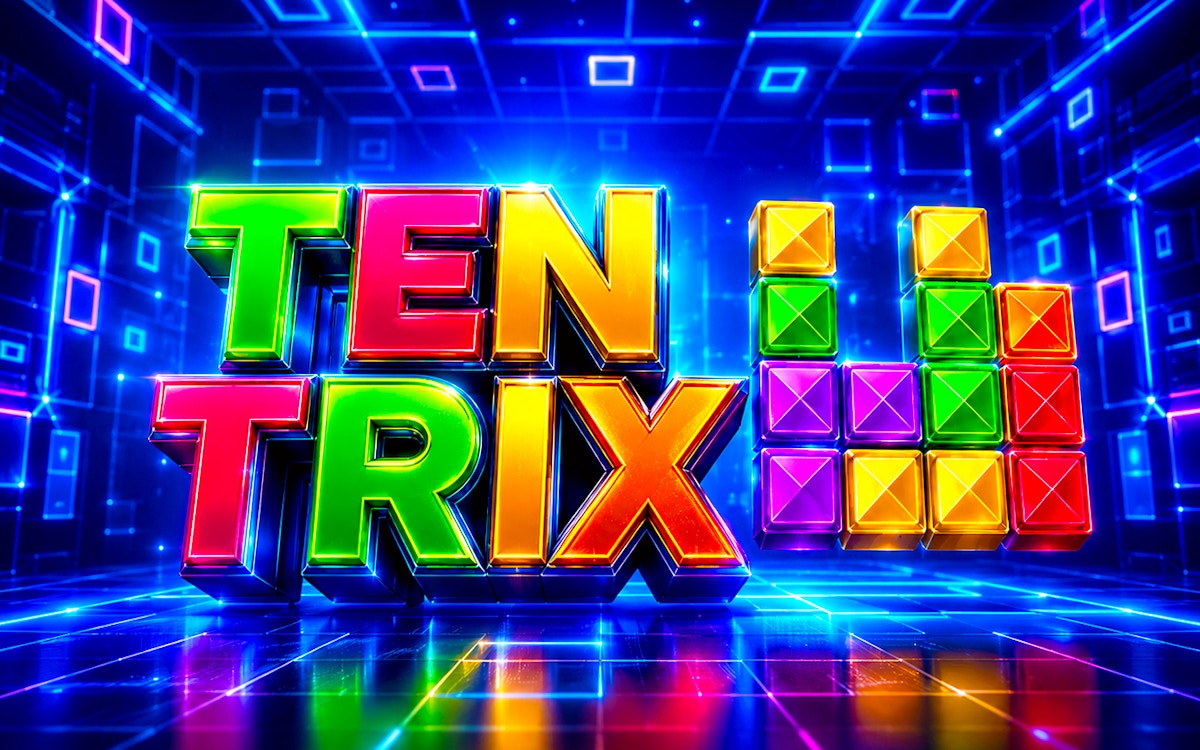
You never know what games are going to be timeless until enough time passes and Tetris has achieved that status while spawning successors like TenTrix. It was ...
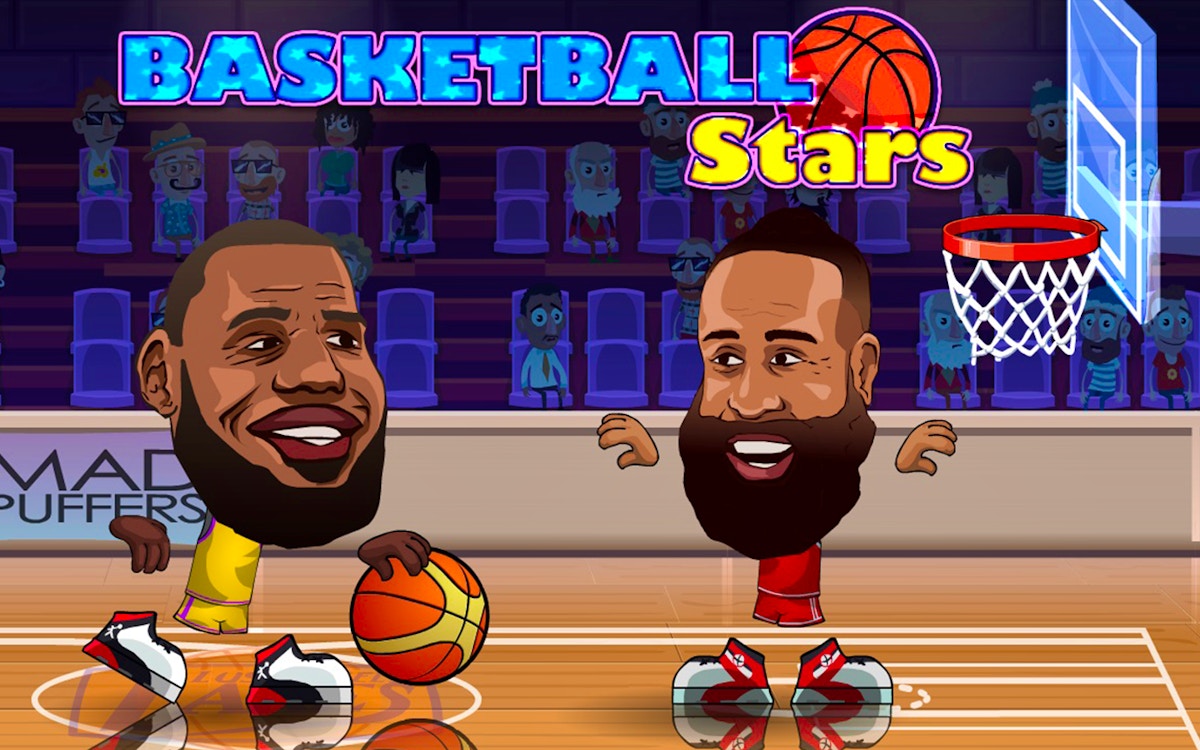
Basketball Stars is a browser basketball game with quick scoring rounds, movement, and shot timing. Try solo or two-player style sessions, compare offensive an...
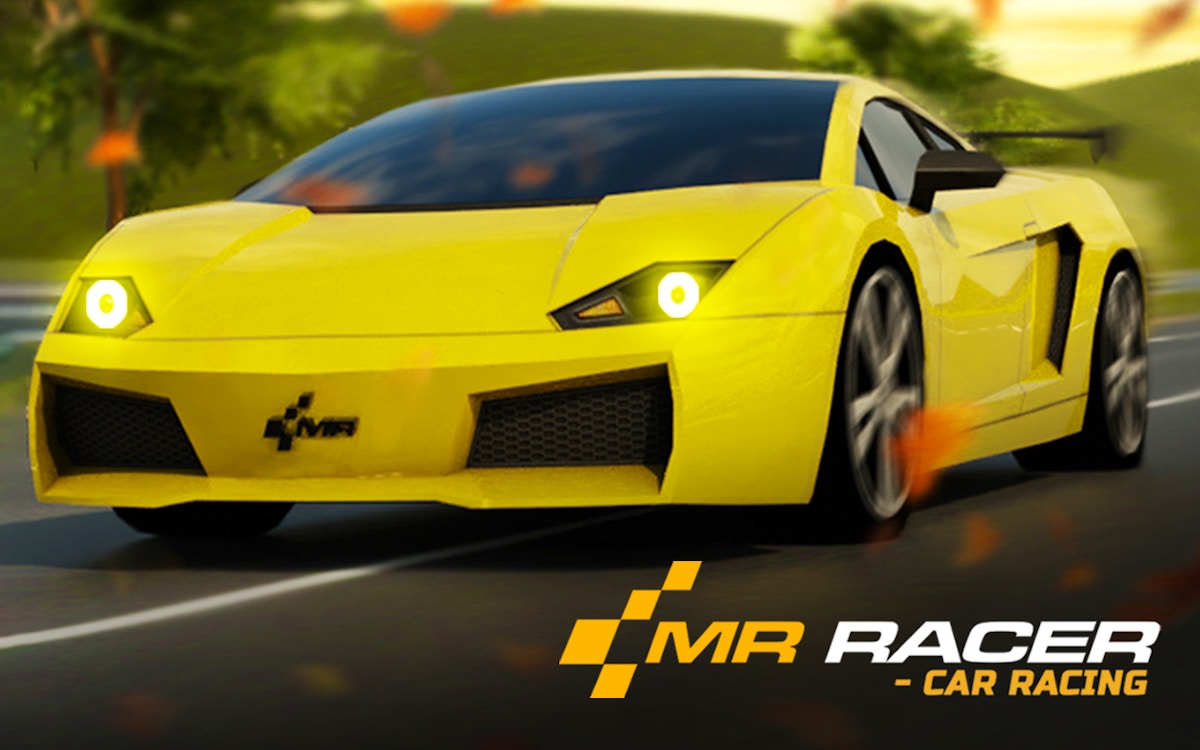
MR RACER - Car Racing is a traffic racing game with fast lanes, car handling, and route awareness. Choose a camera view, read the road ahead, and use short att...

Welcome to Ayla World: Avatar City, a colorful and creative casual game where imagination has no limits! Build your dream life, create unique characters, and e...