
Vauiw guide
Mobile Friendly Browser Games
A practical guide to choosing browser games that feel better on phones and tablets.
Vauiw guide
A practical guide to choosing browser games that feel better on phones and tablets.
Vauiw is organized around practical browsing choices: category, pace, input style, and whether a game feels better on desktop or mobile.
Tap or mouse-click games are usually better on mobile, while keyboard-heavy racing, platform, and adventure games often feel better on desktop.
When two games look similar, compare the first objective and the type of input they expect. That usually tells you which one fits your break.
The detail page gives a short summary, source link, controls, and related picks before you open the browser player.
Mobile suitability is not only about whether a game accepts touch. Small screens make dense boards, tiny targets, and camera-heavy movement harder to read. A good phone choice usually keeps the first objective visible, uses a single tap, drag, or selection, and does not require several simultaneous controls.
Touch is especially useful when the main decision is choosing, sorting, matching, coloring, or timing one action. It is less comfortable when your finger covers an obstacle, when exact steering is required, or when the game combines movement with camera control. Compare the control note before assuming that a mobile browser is the best place to play.
Open the publisher page, test one opening interaction, and confirm that orientation, sound, loading behavior, and on-screen prompts feel usable. That small check is more reliable than treating a tag or thumbnail as a guarantee of a smooth mobile session.
Editorially updated: July 29, 2026. See our editorial standards and update log for how these guides are maintained.
These picks are supporting examples for the guide. Compare pace and controls before opening a publisher page.

You never know what games are going to be timeless until enough time passes and Tetris has achieved that status while spawning successors like TenTrix. It was ...
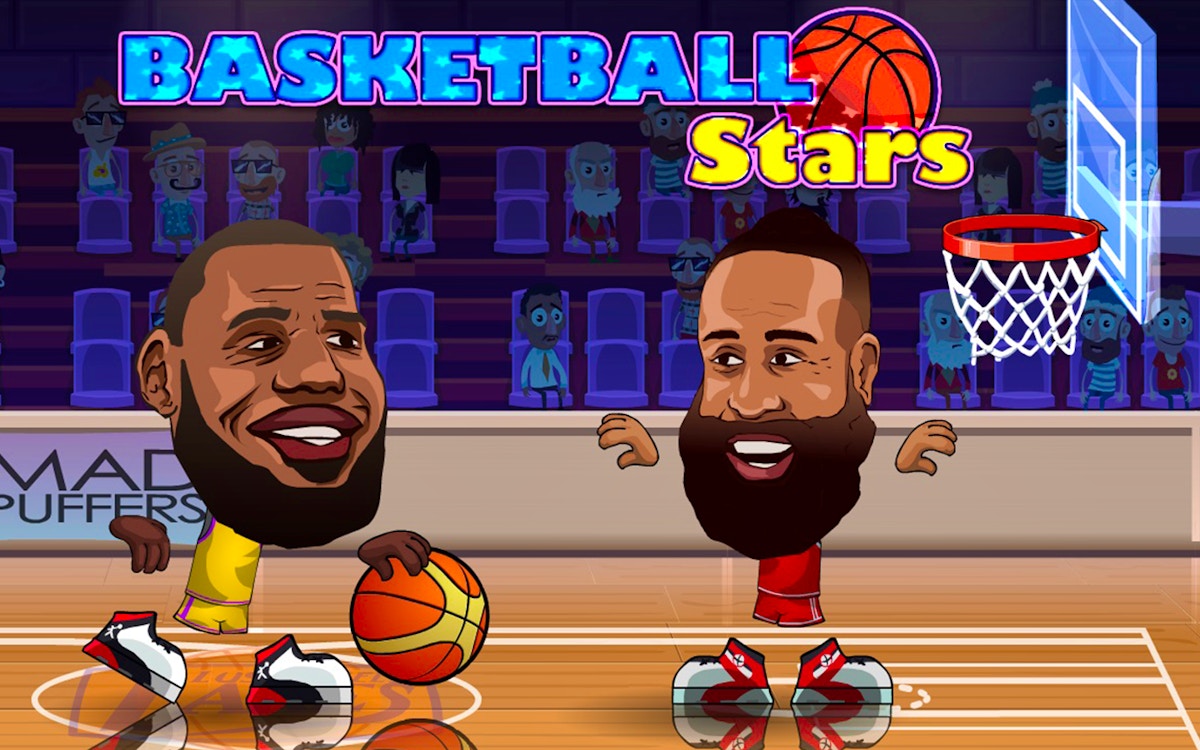
Basketball Stars is a browser basketball game with quick scoring rounds, movement, and shot timing. Try solo or two-player style sessions, compare offensive an...

MR RACER - Car Racing is a traffic racing game with fast lanes, car handling, and route awareness. Choose a camera view, read the road ahead, and use short att...

Welcome to Ayla World: Avatar City, a colorful and creative casual game where imagination has no limits! Build your dream life, create unique characters, and e...