
Vauiw guide
Keyboard vs Touch Browser Games
A practical comparison of browser games that suit physical keys, a mouse, or direct touch input.
Vauiw guide
A practical comparison of browser games that suit physical keys, a mouse, or direct touch input.
Choose keyboard-first games when movement, camera control, and several actions happen at once. Platform routes and driving lines usually feel clearer on desktop because your hands do not cover the play area.
Choose tap, drag, or single-selection games when the objective is visible on one board. Sorting, matching, coloring, and simple timing activities are usually easier to begin on a phone or tablet.
If a game asks you to steer, aim, and jump together, begin on desktop. If it asks you to tap one target, drag one object, or select a card, touch input is a practical first choice.
Keyboard or mouse input is often clearer when a game asks you to move, steer, jump, aim, or react to several things at once. Touch is often clearer when the main task is selecting, dragging, placing, or tapping a visible target. This is a starting rule rather than a guarantee, because publishers can implement controls differently.
A game may technically work on a phone while still being easier to read and control on a larger screen. Conversely, a simple board game may feel faster on touch because the target is directly under your finger. Test the opening prompt before committing to a longer session.
When nearby games share a category, device fit can be the deciding factor. A movement-heavy arcade title and a tap-based arcade title may both be fast, but their most comfortable input can be very different. Vauiw’s device notes are intended to make that distinction visible before a publisher page opens.
Editorially updated: July 29, 2026. See our editorial standards and update log for how these guides are maintained.
These picks are supporting examples for the guide. Compare pace and controls before opening a publisher page.
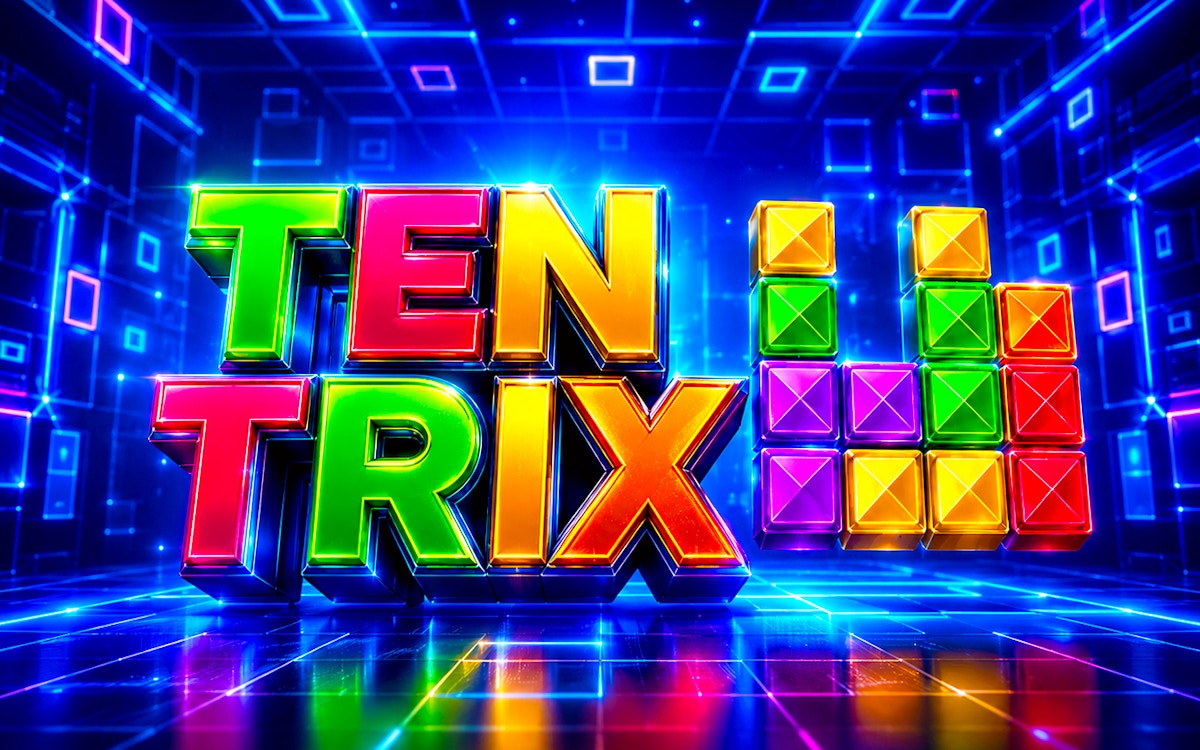
You never know what games are going to be timeless until enough time passes and Tetris has achieved that status while spawning successors like TenTrix. It was ...
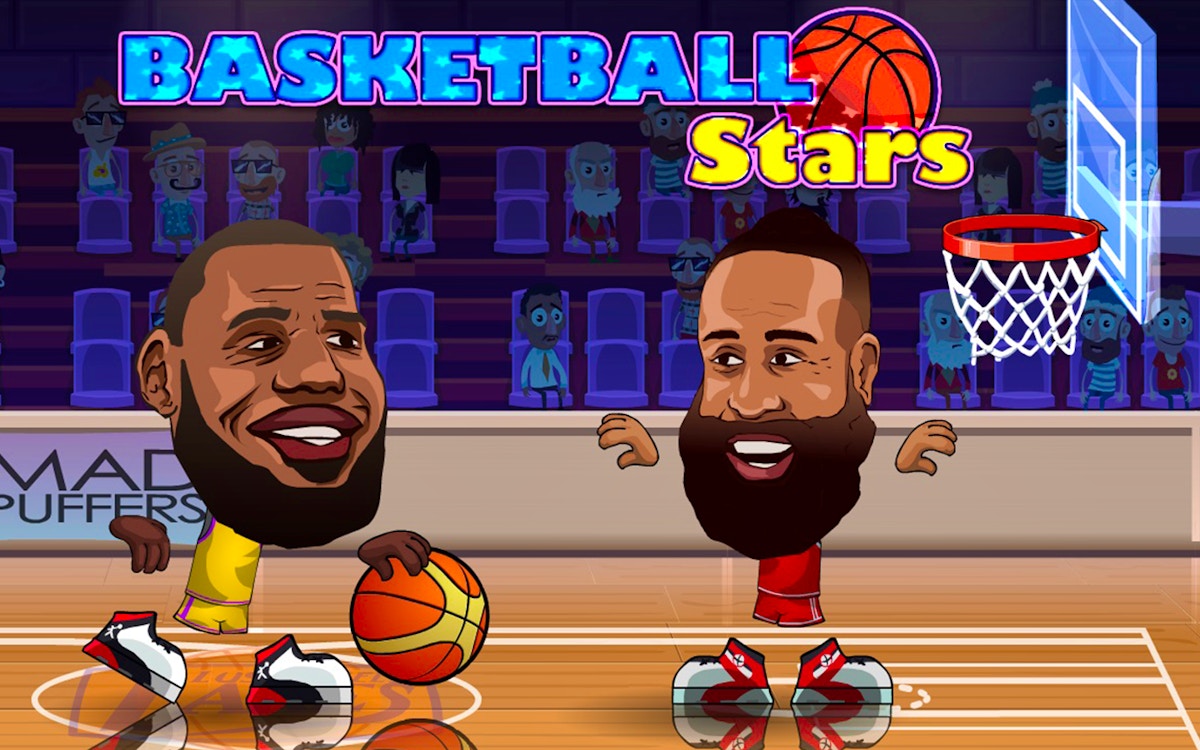
Basketball Stars is a browser basketball game with quick scoring rounds, movement, and shot timing. Try solo or two-player style sessions, compare offensive an...
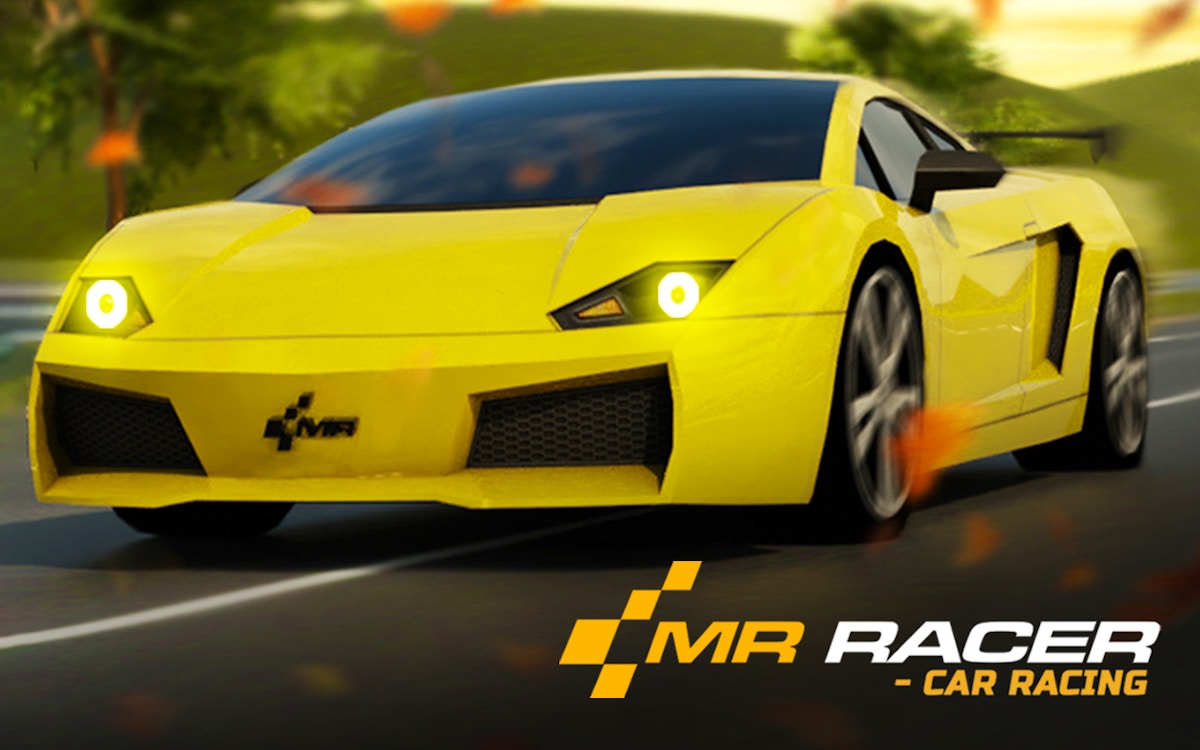
MR RACER - Car Racing is a traffic racing game with fast lanes, car handling, and route awareness. Choose a camera view, read the road ahead, and use short att...

Welcome to Ayla World: Avatar City, a colorful and creative casual game where imagination has no limits! Build your dream life, create unique characters, and e...